Entry-Level Administrative Assistant Resume Example
For a first administrative role, employers look for someone organized, at ease with office software and welcoming at the front desk. This example of a recent graduate uses a work-study job and an internship to prove it.
The person, contact details and employers are fictitious. Replace them with your own information.
Skills to highlight
- Microsoft 365
- Phone and front desk
- Scheduling
- Digital filing
- Business writing
- Organization
What makes it work
- Give volumes for every role: calls, visitors, appointments or documents handled.
- State what you can actually do in Word, Excel and Outlook, plus any other tools.
- Highlight front-desk and phone work: they are a big part of most postings.
- Keep the summary short: degree, experience and the kind of office you want.
The full text of this example
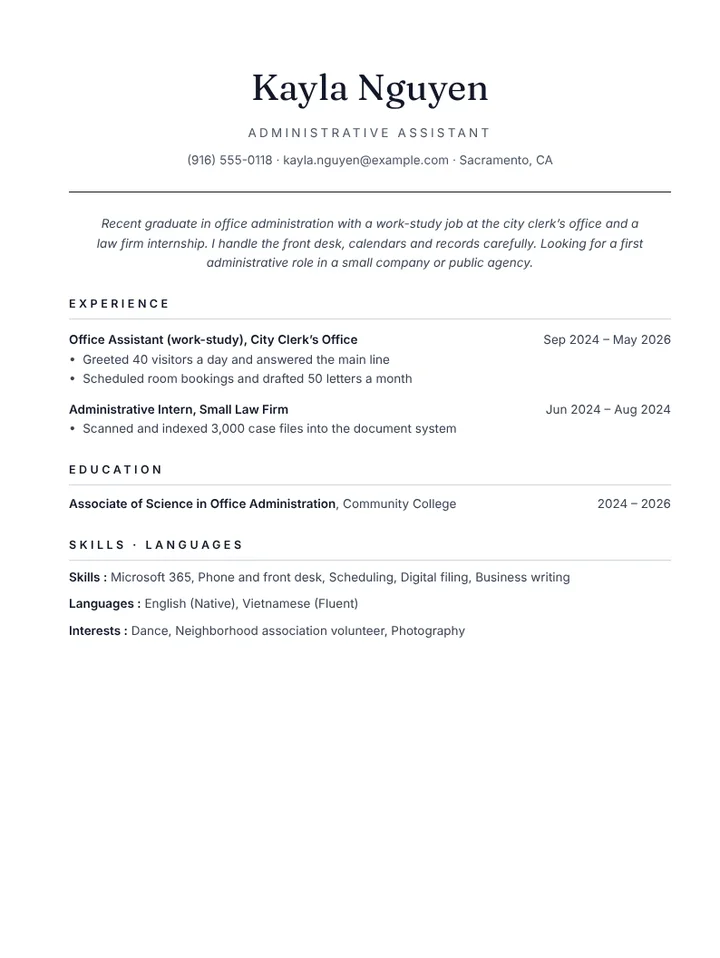
Kayla Nguyen — Administrative Assistant
Recent graduate in office administration with a work-study job at the city clerk’s office and a law firm internship. I handle the front desk, calendars and records carefully. Looking for a first administrative role in a small company or public agency.
Experience
- Office Assistant (work-study) · City Clerk’s Office, Sacramento, CA (Sep 2024 – May 2026)
- Greeted 40 visitors a day and answered the main line
- Scheduled room bookings and drafted 50 letters a month
- Administrative Intern · Small Law Firm, Sacramento, CA (Jun 2024 – Aug 2024)
- Scanned and indexed 3,000 case files into the document system
Education
- Associate of Science in Office Administration · Community College (2024 – 2026)
Skills
Microsoft 365 · Phone and front desk · Scheduling · Digital filing · Business writing
Why this example works
Each role comes with concrete volumes: 40 visitors a day, 50 letters a month, 3,000 files indexed. An office manager sees the workload already handled, which makes up for limited time on the job. The summary says exactly what kind of office she wants.
The degree is directly related to the role, and the skills mirror the wording of real postings. The Classic template gives a clear, single-column one-page resume.
Keywords to mirror
Applicant tracking systems and recruiters scan for these terms. Reuse the ones that appear in the job posting, word for word.
- Administrative assistant
- Entry level
- Office assistant
- Front desk
- Reception
- Scheduling
- Microsoft 365
- Data entry
- Filing
- Customer service
Mistakes to avoid for this role
- Writing “multitasker” without saying which tasks.
- Claiming “proficient in Microsoft Office” without saying what you do in Excel.
- Leaving out phone and front-desk work that almost every posting asks for.
Open this example with another template
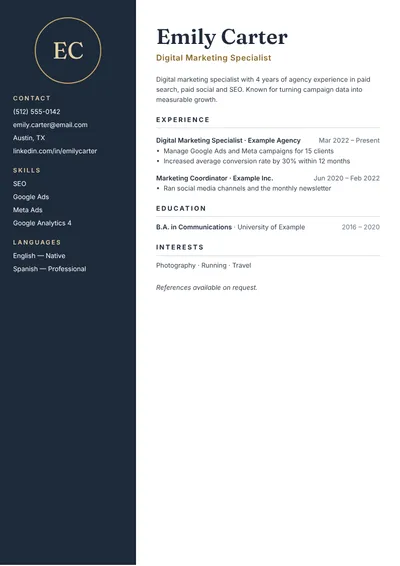
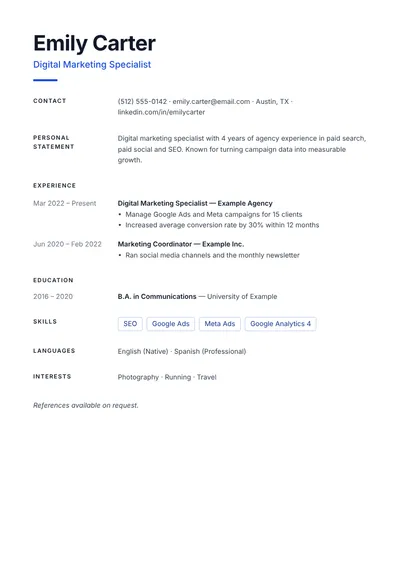
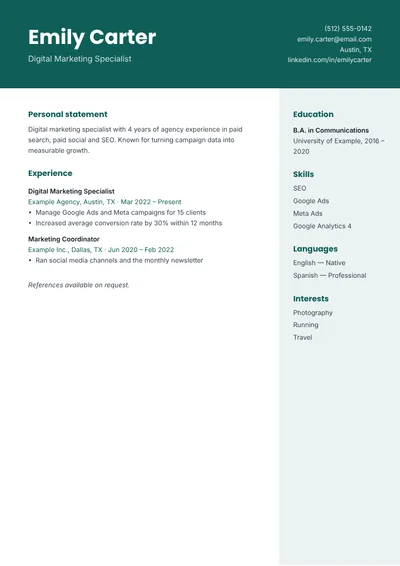
The wording stays the same; only the layout changes.
The same job at another career stage
Entry level, mid-career, senior or career change: each resume highlights different strengths. Pick the example closest to where you are now.
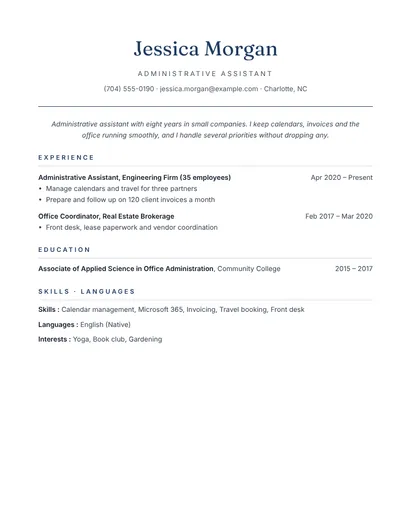 Administrative assistantCalendars, invoices, travel and office coordination.Use this example
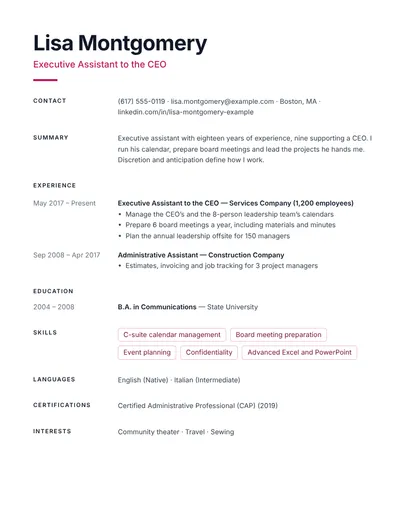 Executive assistantSenior profile: C-suite support, board meetings and confidentiality.Use this example
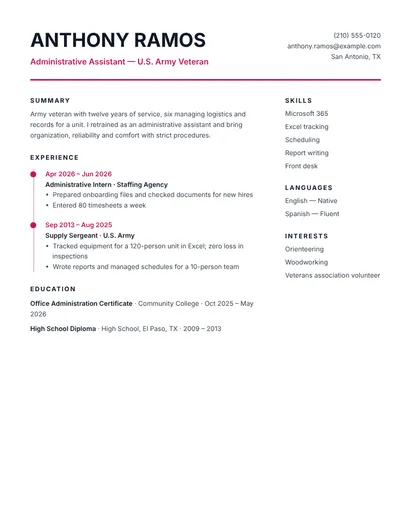 Career change to administrative assistantVeteran turned administrative assistant: skills translated for civilians.Use this example
More resume examples
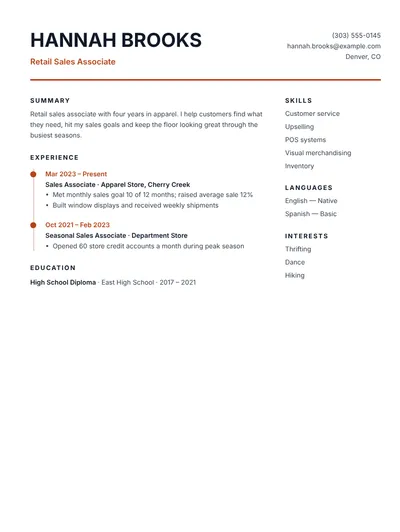 Retail sales associateStore sales: numbers, customer service and visual merchandising.Use this example
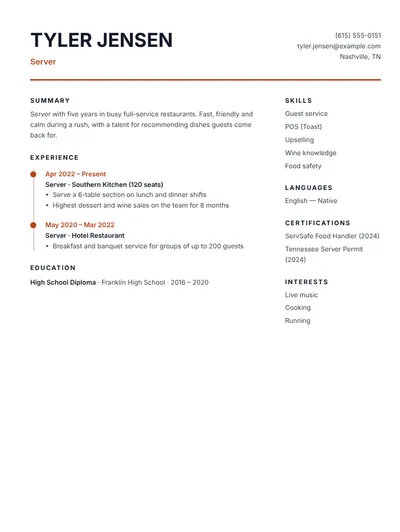 ServerRestaurant service: speed, upselling and guest experience.Use this example
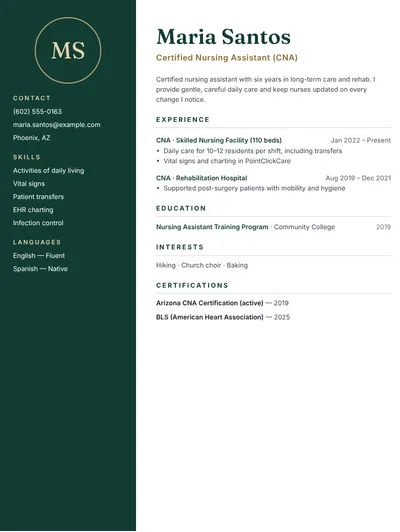 CNAPatient care, vital signs and teamwork with nurses.Use this example
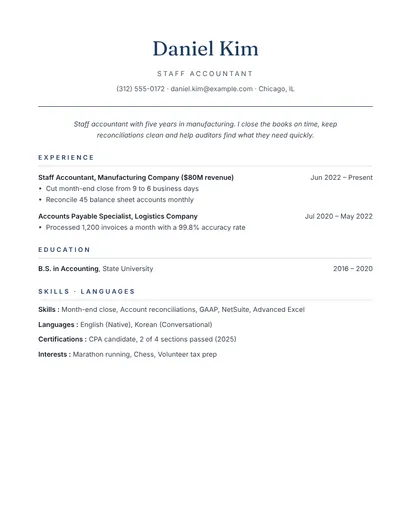 AccountantMonth-end close, reconciliations and reporting with numbers.Use this example
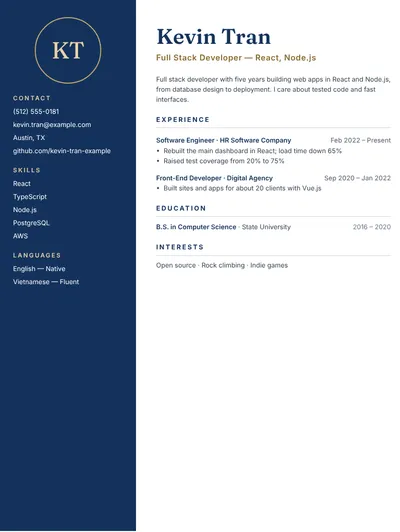 Web developerTech stack, shipped projects and links to code.Use this example
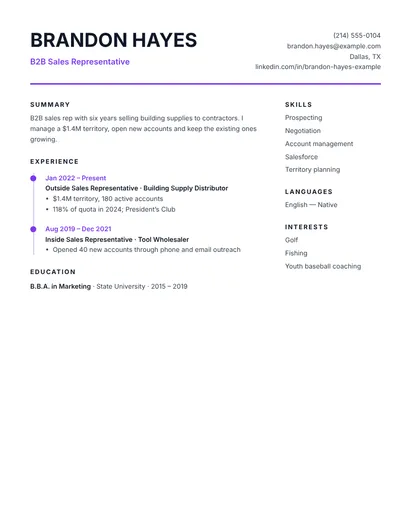 Sales representativeProspecting, territory growth and quota attainment.Use this example